
You can not select more than 25 topics
Topics must start with a letter or number, can include dashes ('-') and can be up to 35 characters long.
 Eugenio Parodi
de5bbac1f9
Eugenio Parodi
de5bbac1f9
|
3 years ago | |
|---|---|---|
| .github/workflows | 4 years ago | |
| TermTk | 3 years ago | |
| demo | 4 years ago | |
| docs | 3 years ago | |
| tests | 4 years ago | |
| tools | 4 years ago | |
| tutorial | 4 years ago | |
| .gitignore | 4 years ago | |
| LICENSE | 5 years ago | |
| Makefile | 4 years ago | |
| README.md | 3 years ago | |
| setup.py | 4 years ago | |
README.md







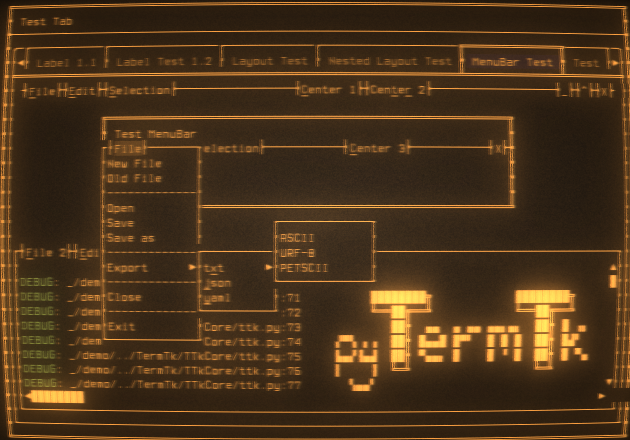
python Terminal Toolkit
Text-based user interface library (TUI) Evolved from the discontinued project pyCuT and inspired by a mix of Qt5,GTK, and tkinter api definition with a touch of personal interpretation
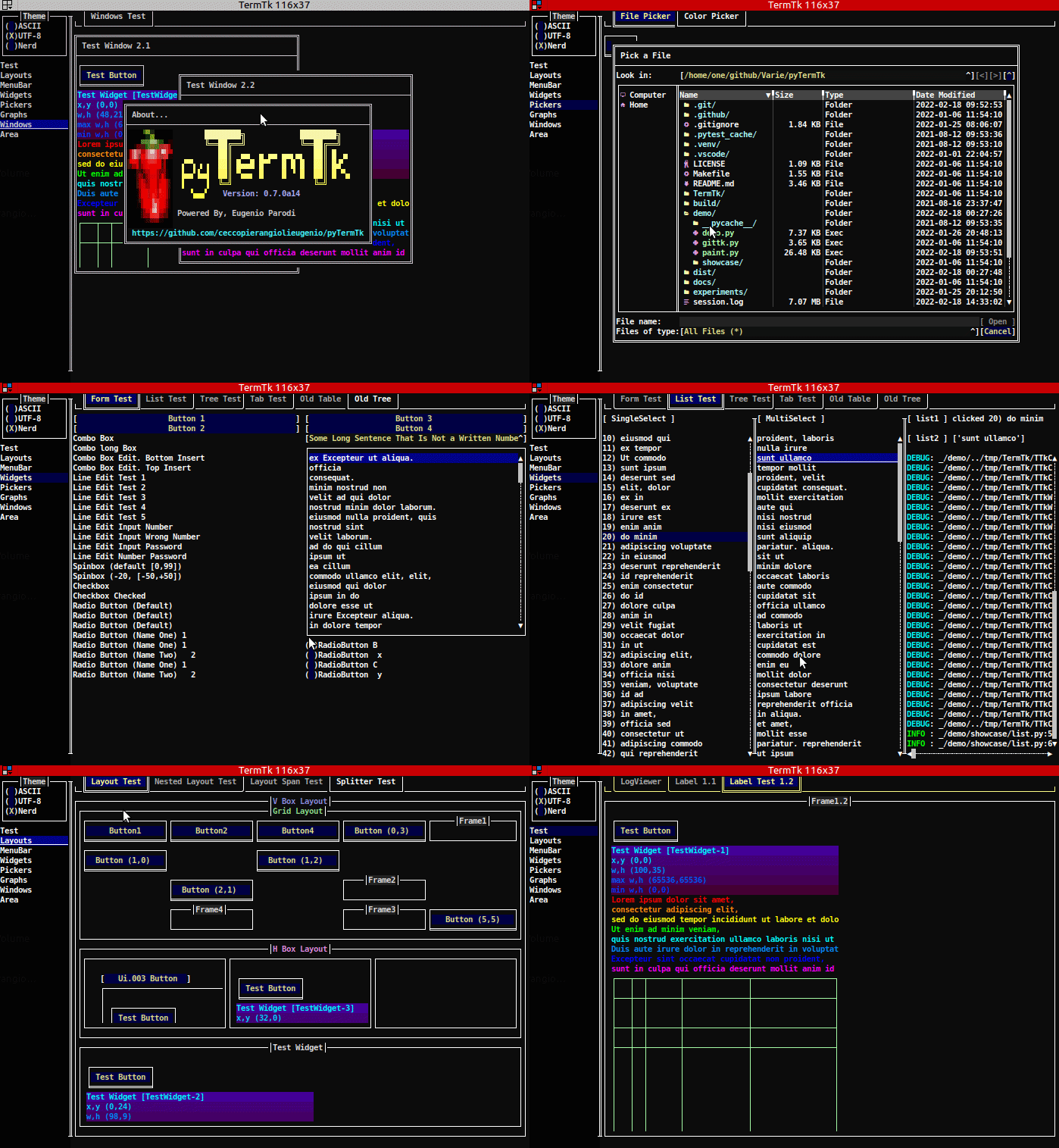
Features
- Basic widgets for TUI development (Button, Label, checkbox, ...)
- Specialized widgets to improve the usability (Windows, Frames, Tables, ...)
- QT Like Layout system to help arrange the widgets in the terminal
- True color support
- [TBD] Fullsize/Halfsize UTF-8 characters
Limitations
- The native Windows porting is not ready yet but it works with Cygwin or WSL.
- Only the key combinations forwarded by the terminal emulator used are detected (ALT,CTRL may not be handled)
Try the Sandbox straight from your browser
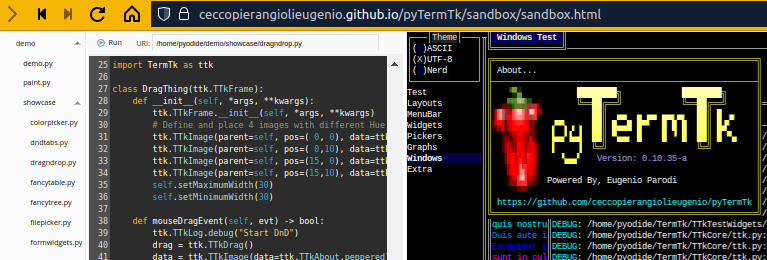
Powered by Pyodide and xterm.js and CodeMirror5 and w2ui
Tutorial
Be inspired by the tutorial examples
Api Definitions
Don't get bored by the Api Definitions
Install/Upgrade
pip3 install --upgrade pyTermTk
Quick Test/Try - no install required
Clone
clone https://github.com/ceccopierangiolieugenio/pyTermTk.git
cd pyTermTk
Run Basic (non ui) input test
python3 tests/test.input.py
Demos
# Press CTRL-C to exit
# the logs are written to "session.log"
# add "-f" option to run it in "fullscreen" :-D

# Showcase Demo
python3 demo/demo.py -f

# Paint demo
python3 demo/paint.py

# VSCode like d'n d layout demo
python3 demo/ttkode.py

# early gittk demo
python3 demo/gittk.py

# Text edit with "Pygments" highlight integrated
# it require pygments
#   pip install pygments
python3 tests/test.ui.018.TextEdit.Pygments.py README.md
Profiling
cProfile, cProfilev
python3 -m cProfile -o profiler.bin tests/test.ui.004.py

# install cprofilev:
#     pip3 install cprofilev
cprofilev -f profiler.bin
# open http://127.0.0.1:4000
pyroscope
pyroscope can be used as well for profiling
Projects using pyTermTk
- tlogg - A fast, advanced log explorer.
- ttkode - TerminalToolKit (Studio) Code (editor)
- pytest-fold - A Pytest plugin to make console output more manageable when there are multiple failed tests
- pytest-tui - A Text User Interface (TUI) for Pytest, automatically launched after your test run is finished
Related Projects
-
Honourable mention
- bpytop - Linux/OSX/FreeBSD resource monitor
This was the base inspiration for my core library
- bpytop - Linux/OSX/FreeBSD resource monitor
-
Python
- urwid - Console user interface library for Python
- pyTermGUI - A simple yet powerful TUI framework for your Python (3.7+) applications
- Textual - TUI (Text User Interface) framework for Python inspired by modern web development
- Rich - Python library for rich text and beautiful formatting in the terminal
- PyCuT - terminal graphic library loosely based on QT api (my previous failed attempt)
- pyTooling.TerminalUI - A set of helpers to implement a text user interface (TUI) in a terminal.
-
Non Python
- Turbo Vision
- ncurses
- tui.el - An experimental text-based UI framework for Emacs modeled after React